Execute ONNX Models with the Function Plugin
Open Neural Network Exchange (ONNX) is an open format designed for machine learning models. It enables different machine learning frameworks to store model data and share inference formats.
By integrating rekuiper and ONNX, you can upload pre-trained ONNX models and invoke them in SQL rules to analyze streaming data. This tutorial demonstrates how to load and execute pre-trained ONNX models.
Prerequisites
Download Models
To run the ONNX runtime interpreter, obtain a pre-trained model file. Refer to the ONNX tutorials for instructions on model export.
This tutorial uses two demonstration models:
- The sum_and_difference model.
- The MNIST-12 handwritten digit recognition model.
Start rekuiper
You can execute rules by using the REST API or the management web interface. Refer to the eKuiper manager repository for container deployment details.
Install the ONNX Plugin
Install the ONNX native function plugin before running model inference. For plugin build and installation instructions, refer to Function Extensions.
Execute the MNIST-12 Model
Download the MNIST-12 model file to recognize digits in images. Configure an MQTT broker and an MQTT stream source to transmit data to the rule and publish inference results.
Configure the MQTT Source
The model requires an input array of floating-point numbers. Define the stream schema accordingly:
POST /streams
Content-Type: application/json

{
  "sql": "CREATE STREAM onnxPubImg (data array(float)) WITH (DATASOURCE=\"onnxPubImg\", FORMAT=\"json\")"
}
Upload the Model
Upload the model file through the management web console, or copy the file directly to the ${build_output}/data/uploads directory.
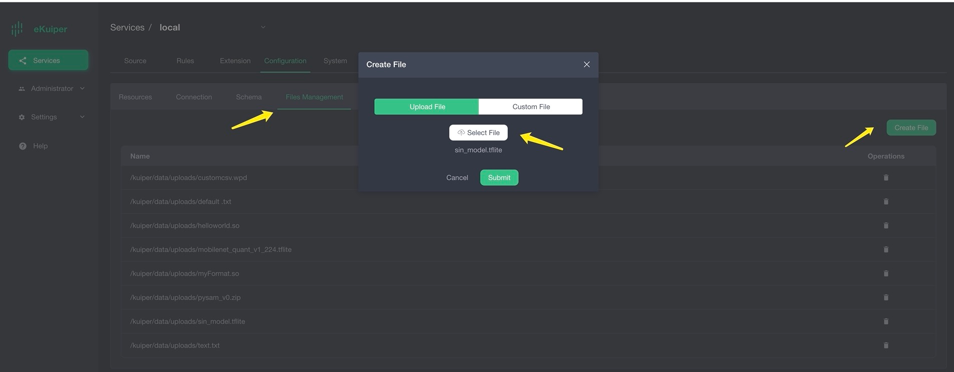
Invoke the Model in SQL
After installing the ONNX plugin, invoke the onnx function in your SQL queries. Pass the model name as the first argument and the input field as the second argument:
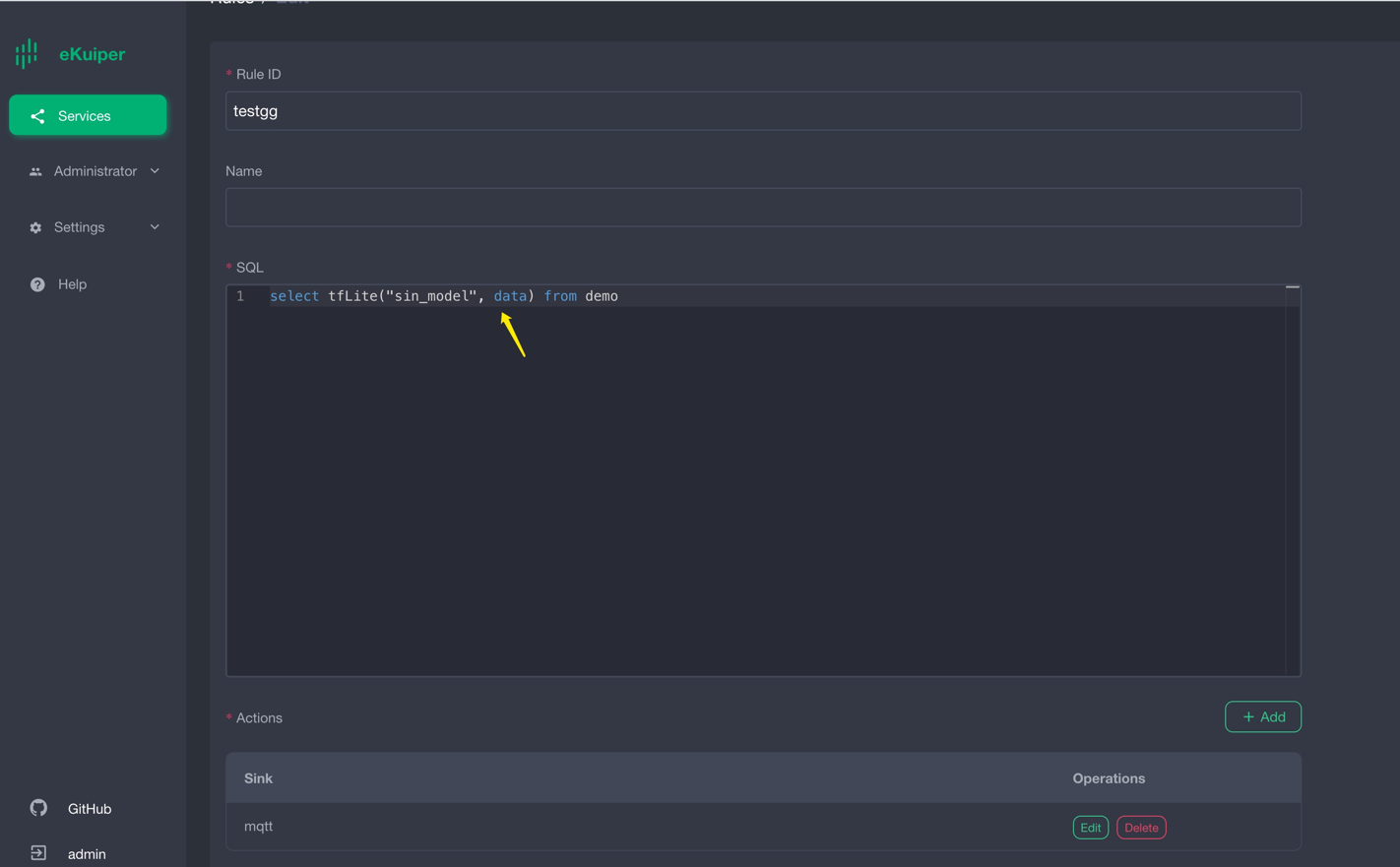
Rule definition:
{
  "id": "ruleOnnx",
  "sql": "SELECT onnx(\"mnist\", data) FROM onnxPubImg",
  "actions": [
    {
      "log": {},
      "mqtt": {
        "server": "tcp://127.0.0.1:1883",
        "topic": "demoresult"
      }
    }
  ]
}
Verify Results
The model outputs predicted probabilities for each digit:
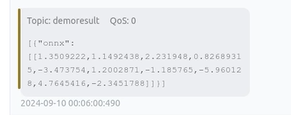
The following Go code sample sends preprocessed test images to the onnxPubImg topic:
func TestPic(t *testing.T) {
    const TOPIC = "onnxPubImg"

    images := []string{
        "img.png",
    }
    opts := mqtt.NewClientOptions().AddBroker("tcp://localhost:1883")
    client := mqtt.NewClient(opts)
    if token := client.Connect(); token.Wait() && token.Error() != nil {
        panic(token.Error())
    }
    for _, image := range images {
        fmt.Println("Publishing " + image)
        inputImage, err := NewProcessedImage(image, false)
        if err != nil {
            fmt.Println(err)
            continue
        }
        payloadF32 := inputImage.GetNetworkInput()
        data := make([]any, len(payloadF32))
        for i := 0; i < len(data); i++ {
            data[i] = payloadF32[i]
        }
        payloadUnMarshal := MqttPayLoadFloat32Slice{
            Data: payloadF32,
        }
        payload, err := json.Marshal(payloadUnMarshal)
        if err != nil {
            fmt.Println(err)
            continue
        }
        if token := client.Publish(TOPIC, 2, true, payload); token.Wait() && token.Error() != nil {
            fmt.Println(token.Error())
        } else {
            fmt.Println("Published " + image)
        }
        time.Sleep(1 * time.Second)
    }
    client.Disconnect(0)
}
Execute the Sum_and_difference Model
Download the sum_and_difference model file. The model estimates the sum and the maximum difference of the input numbers. For example, for input [0.2, 0.3, 0.6, 0.9], the estimated sum is 2.0 and the maximum difference is 0.7.
Upload the Model
Upload the model file through the management console or copy it to ${build_output}/data/uploads.
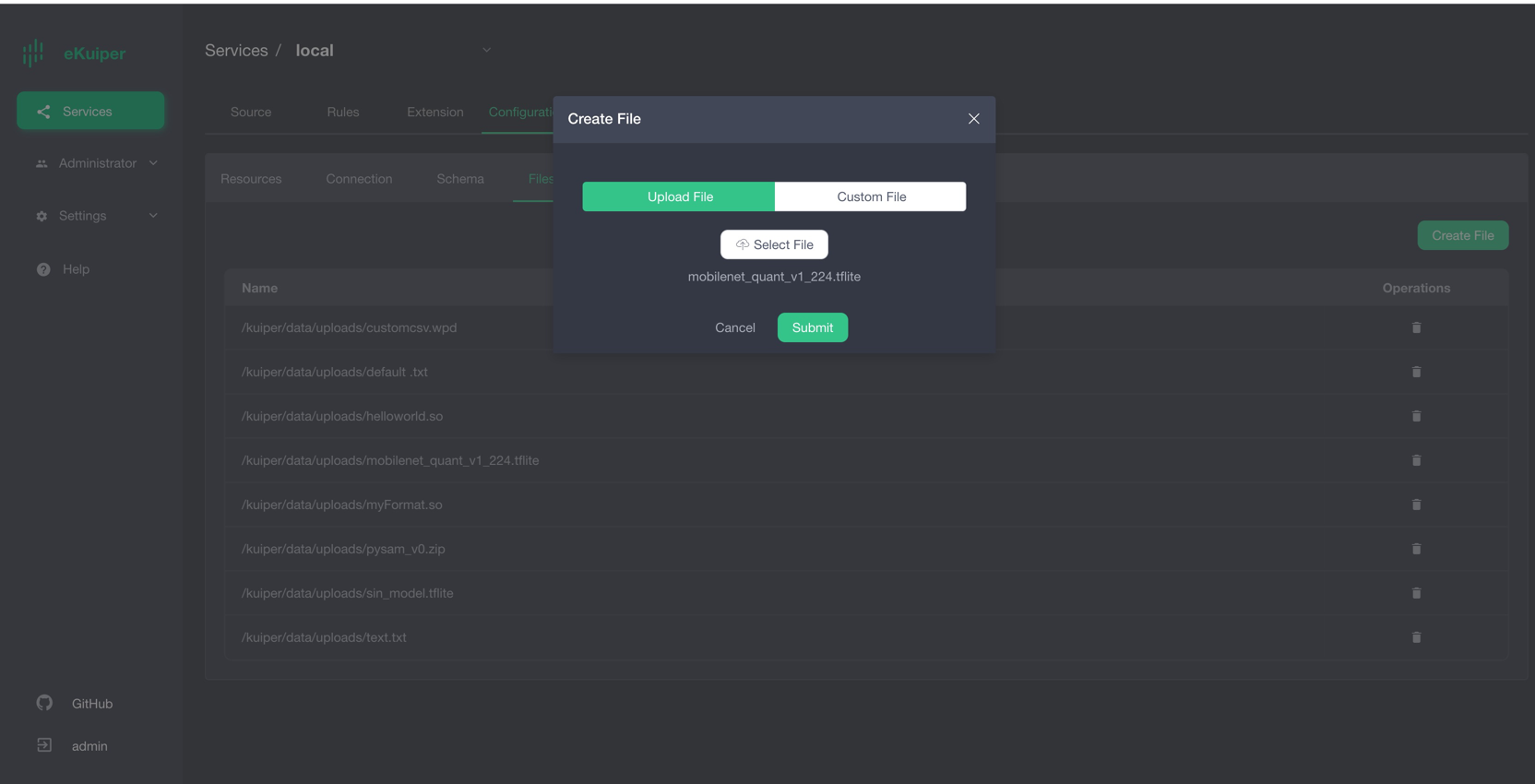
Invoke the Model
Invoke the onnx function in the SQL query:
POST /rules
Content-Type: application/json

{
  "id": "ruleSum",
  "sql": "SELECT onnx(\"sum_and_difference\", data) FROM sum_diff_stream",
  "actions": [
    {
      "log": {},
      "mqtt": {
        "server": "tcp://127.0.0.1:1883",
        "topic": "demoresult"
      }
    }
  ]
}
Verify Inference Output
Publish test data through your MQTT client:
{
  "data": [
    0.2,
    0.3,
    0.6,
    0.9
  ]
}
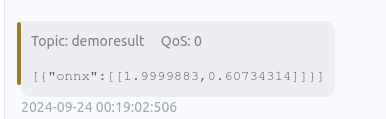
The rule returns the calculated sum and maximum difference:
[
  {
    "onnx": [
      [
        1.9999883,
        0.60734314
      ]
    ]
  }
]
Summary
The ONNX plugin allows you to execute machine learning models directly in SQL rules without writing custom code. This integration supports models trained in popular frameworks, including PyTorch and TensorFlow.